Book your desk with ease
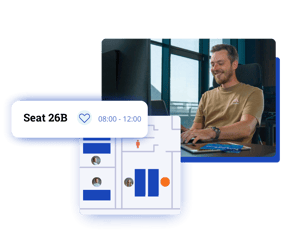
With the desk.ly desk booking system your team finds and reserves the perfect workspace in just a few clicks – at the desktop or via app. Express booking, colleague search and filters make desk sharing effortless, while seamless integration with Microsoft Teams and Outlook keeps booking part of your daily workflow.
1,000+ companies of all sizes and industries trust desk.ly































Discover our intuitive booking process
Effortlessly book all resources in one interface – whether for single days, multiple dates, an entire period, or for other team members. Explore the key features of our booking view!
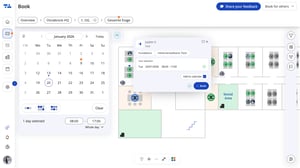
Desk booking made easy
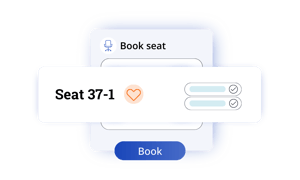
Click, click, book ✔️
desk.ly analyses your booking behaviour and recommends workspaces accordingly. With our booking suggestions your spot is only two clicks away.
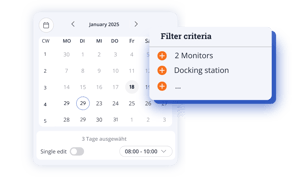
Find the perfect place
Save features, such as technical equipment, and consistently discover the ideal workspace with the filter function.
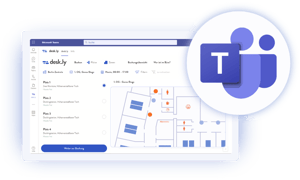
Book in Microsoft Teams
Reserve your preferred space directly in MS Teams and synchronise your booking with your Outlook calendar.
 Mobile app
With the mobile app for iOS and Android, you can book workspaces anytime and anywhere – swiftly, effortlessly, and flexibly.
 Search for colleagues
Utilise the weekly planner to discover who is in the office, when, and where. For enhanced connection and collaboration.
 Preferred seats
Store your preferred workspace in desk.ly and reserve it at any time with just one click.
 Booking rules
Give persons or groups priority, create scheduled booking restrictions or permanent bookings.
 User labels
Help your employees to easily find key roles such as first aiders or IT support staff with custom user tags.
 Anonymous booking
Optionally, you can reserve workspaces without revealing the names of the staff.
 Waiting lists
All is booked? Open a waiting queue for individual resources or just any desk at all.
 Book for me
Permit selected colleagues to book a desk for you. This feature is perfect for team collaboration and project days.
 Zones
Create adaptable workspaces and reserve your preferred area to boost structure and flexibility.
Automise your booking process
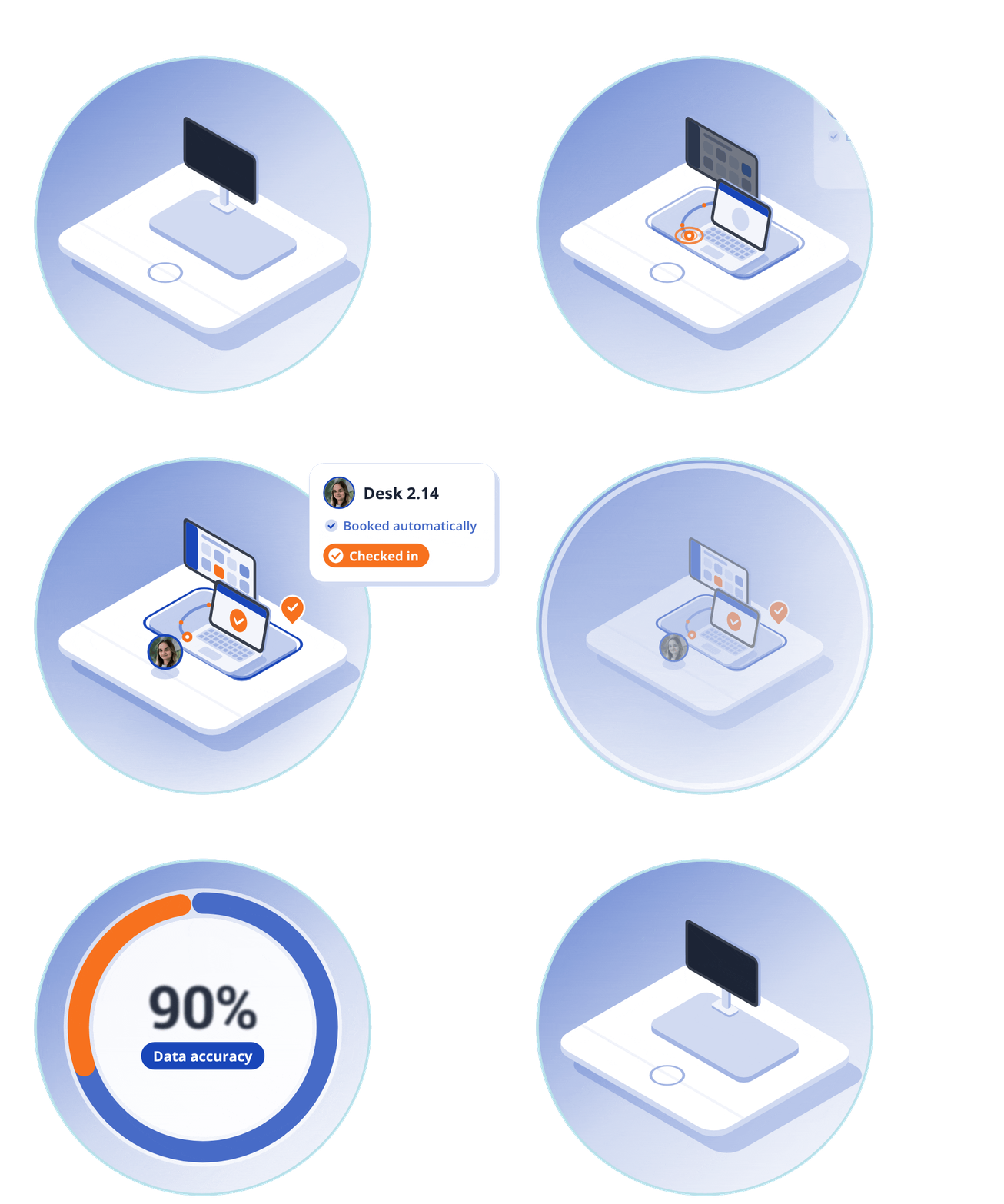
desk.ly Connect automates bookings and check-ins for up to 100% accurate occupancy data. Whether it's a planned or spontaneous booking – everything is captured, with zero manual effort.
How our customers have benefitted from using desk.ly

When Kia Germany moved into its new headquarters, it also switched to a new booking tool for greater functionality.


Rapid growth and seasonal fluctuations meant the office was bursting at the seams – until OMR implemented desk.ly.


When the previous solution reached its limits, Stadtwerke Langen decided to switch to desk.ly. These advantages convinced the municipal utilities.


This allows PPI, with 800 employees, to maintain a strong focus on collaboration and exchange, even with mobile working.


Reduced from 7,500 to 4,000 square metres: Thanks to booking data in desk.ly, the actual space requirements could be accurately evaluated.